Introduction to Computer Systems: Hardware and Software Fundamentals
From the ict curriculum
Introduction to Computer Systems: Hardware and Software Fundamentals
TL;DR
Computers are systems made of hardware (physical parts) and software (instructions) working together. Hardware handles the physical work, while software tells it what to do. Understanding their interaction is key to knowing how computers operate.
1. The Mental Model
Think of a computer like a band. The instruments (guitar, drums) are the hardware, and the sheet music or song list is the software. Neither is useful without the other; the instruments make noise, but the music tells them what noise to make.
2. The Core Material
A computer system isn't just one thing; it's a collection of components that cooperate to perform tasks. We can broadly split these into hardware and software.
Hardware: The Physical Stuff
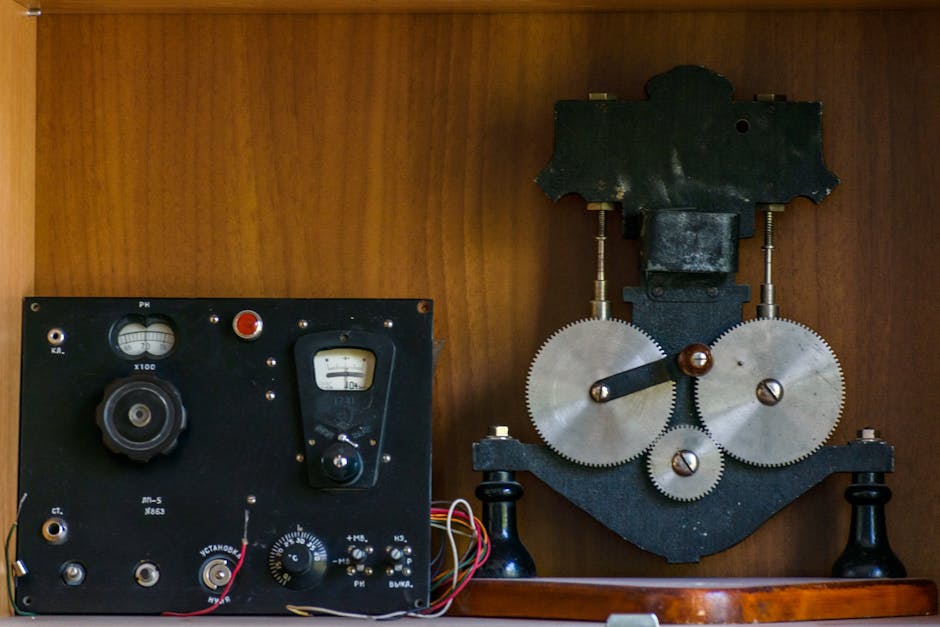
Photo by Diana ✨ on Pexels
Hardware refers to all the physical, tangible parts of a computer you can touch. These include:
- Input Devices: How you get information into the computer. Examples are keyboards, mice, microphones, and scanners.
- Output Devices: How the computer gives information out to you. Examples include monitors, printers, and speakers.
- Central Processing Unit (CPU): Often called the "brain" of the computer, it performs calculations and executes instructions.
- Memory (RAM): Random Access Memory is temporary storage where the CPU keeps data and instructions it's actively using. It's fast but loses everything when you turn off the computer.
- Storage Devices: Where data and programs are kept permanently. Examples include Hard Disk Drives (HDDs) and Solid State Drives (SSDs).
- Motherboard: The main circuit board that connects all these components together, allowing them to communicate.
Software: The Instructions

Photo by Markus Spiske on Pexels
Software is the set of instructions, data, or programs that tells the hardware what to do. You can't touch software. There are two main types:
- Operating System (OS): The most important software on a computer. It manages all the hardware and other software. Examples include Windows, macOS, Linux, Android, and iOS. The OS is like the conductor of our band analogy.
- Application Software: Programs that perform specific tasks for the user. Examples include web browsers, word processors, games, and photo editors. These are like the individual songs the band plays.
How They Work Together

Photo by Thirdman on Pexels
Imagine you click an icon on your desktop (an action with input hardware - the mouse). The operating system (software) interprets this click and tells the CPU (hardware) to launch the corresponding application software. The CPU then pulls necessary parts of the application from storage into RAM (both hardware) to run it quickly. As you type in the application, the keyboard (input hardware) sends signals to the CPU, which processes them using the application's software instructions, eventually displaying your text on the monitor (output hardware).
Here's a simple flow of how input leads to output in a computer system:
graph TD
    A["Input Device (e.g., Keyboard)"] --> B["Operating System (OS)"];
    B --> C["Application Software (e.g., Word Processor)"];
    C --> D["CPU (Central Processing Unit)"];
    D --> E["RAM (Temporary Memory)"];
    E --> F["CPU (Processing Data)"];
    F --> G["Output Device (e.g., Monitor)"];
3. Worked Example
Let's trace what happens when you want to save a document in a word processor.
- Input: You move your mouse and click the "Save" button in the word processor (an application). This is an input action using mouse hardware.
- Software Interpretation: The operating system detects this mouse click and passes it to the word processor application (software).
- Instruction Execution: The word processor's software tells the CPU (hardware) that you want to save. The CPU fetches instructions from RAM (hardware) on how to save a file.
- Data Handling: The CPU takes the text you've typed (data currently in RAM) and prepares it to be written to a permanent location.
- Output to Storage: The CPU, directed by the OS and application, instructs the storage device (e.g., your SSD hardware) to write the document file onto it.
- Feedback: The word processor application might then display a message like "Document Saved" on your monitor (output hardware), confirming the action.
4. Key Takeaways
- Computers need both physical parts (hardware) and instructions (software) to function.
- Hardware includes components like the CPU, RAM, storage, and input/output devices.
- Software includes the Operating System (manages the computer) and Application Software (performs specific tasks).
- The Operating System acts as a crucial link, managing how hardware and application software interact.
- Every action you take on a computer involves a complex interplay between hardware receiving input, software processing it, and hardware providing output or storage.
Common Mistakes to Avoid:
* Confusing RAM (temporary memory) with storage (permanent memory).
* Thinking a computer can run applications without an operating system.
* Believing software is something you can physically touch or hold.
* Underestimating the motherboard's role in connecting everything.
5. Now Try It
Spend 15 minutes identifying all the hardware components on your computer (or a computer nearby). Then, list at least five different pieces of application software you use regularly and briefly explain what each one does. Finally, try to identify what operating system your computer is running. What success looks like: You can name most major hardware parts, clearly differentiate between application software programs, and correctly identify the OS.
Frequently asked about Introduction to Computer Systems: Hardware and Software Fundamentals
Study this next
Get the full ict curriculum
Clone the complete plan to your dashboard for unlimited AI-generated notes, practice quizzes, and a personalised revision schedule.
Create Free Account