Computer Networks Basics
From the I'm a Diploma cst 2nd semester students. My exam in 30 days, curriculum
TL;DR
Computer networks connect devices to share resources and information using protocols. They are essential for communication and data exchange in today's digital world. Understanding network types, topologies, and the OSI model will give you a solid foundation for your exam.
1. The Mental Model
Think of a computer network like a postal service for computers. Each computer is a house, and the network is the system of roads, post offices, and delivery trucks that lets houses send and receive letters (data).
2. The Core Material
What is a Computer Network?
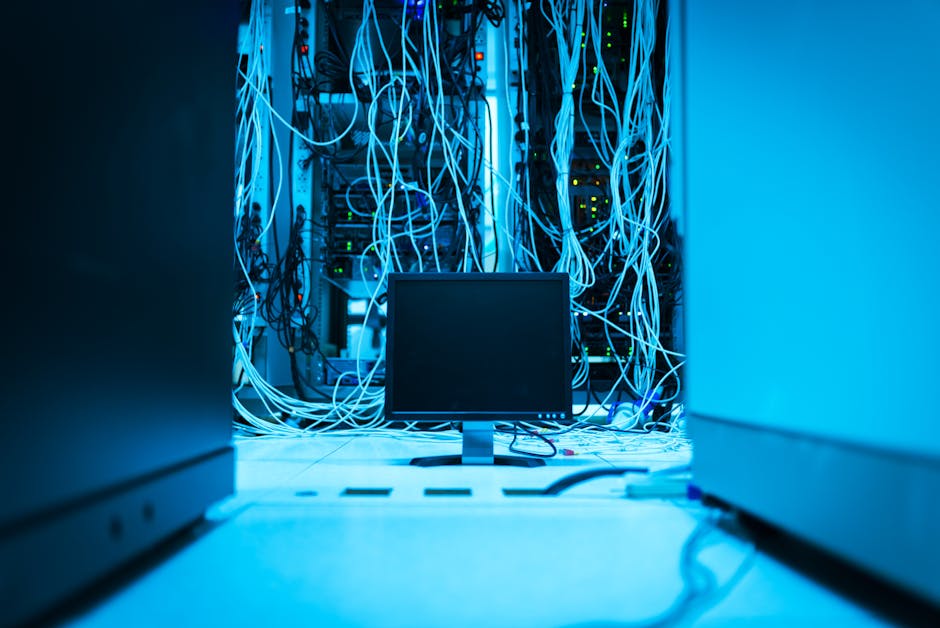
Photo by panumas nikhomkhai on Pexels
A computer network is a group of interconnected computing devices (like computers, servers, printers, and smartphones) that can share resources and exchange data. These connections can be wired (like Ethernet cables) or wireless (like Wi-Fi).
Why Do We Need Networks?

Photo by Tima Miroshnichenko on Pexels
Networks enable:
* Resource Sharing: Sharing printers, scanners, or internet connections.
* Information Sharing: Sending emails, accessing websites, sharing files.
* Communication: Video calls, instant messaging.
* Centralized Management: Easier to manage and secure data.
Network Types (Based on Scale)
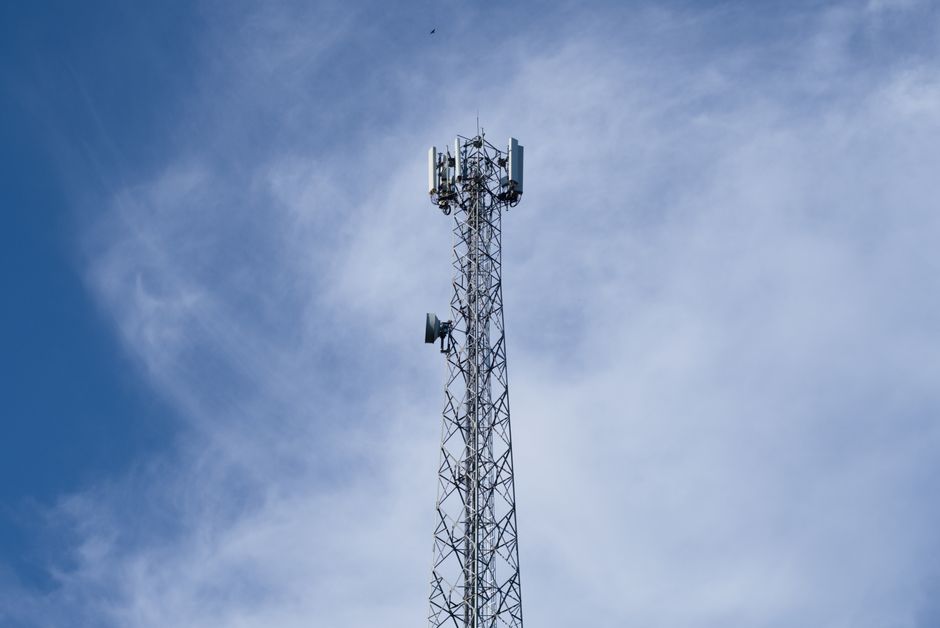
Photo by Qeis Ismail on Pexels
Networks are categorized by their geographical scope:
* LAN (Local Area Network): Covers a small area like a home, office, or school. Usually owned and managed by a single organization.
* MAN (Metropolitan Area Network): Covers a larger area than a LAN, typically a city or a large campus. Often connects multiple LANs.
* WAN (Wide Area Network): Covers a large geographical area, often connecting countries or continents. The internet is the largest WAN.
* PAN (Personal Area Network): Very small, for personal use, like connecting your phone to your headphones via Bluetooth.
Network Topologies
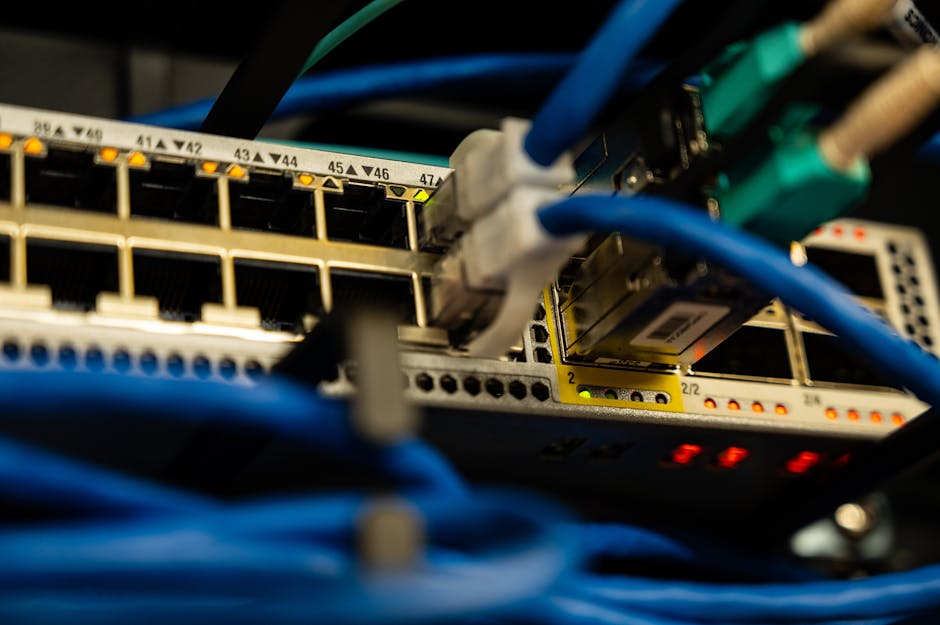
Photo by Brett Sayles on Pexels
Topology refers to the physical or logical arrangement of connected devices in a network.
graph TD
    A["Bus Topology"] --> B["Devices connected to a single central cable (backbone)."];
    A --> C["Simple, but if backbone fails, entire network goes down."];

    D["Star Topology"] --> E["All devices connect to a central hub/switch."];
    D --> F["Robust: If one device fails, others aren't affected. Hub failure is critical."];

    G["Ring Topology"] --> H["Devices connect in a closed loop, data travels in one direction."];
    G --> I["No central server needed, but if one link breaks, network can fail."];

    J["Mesh Topology"] --> K["Every device is connected to every other device."];
    J --> L["Highly redundant and reliable, but complex and expensive to implement."];
- Bus Topology: All devices share a single communication line (backbone). Simple but a single break can bring down the whole network.
- Star Topology: All devices connect to a central hub or switch. If one device fails, others are unaffected, but the central device is a single point of failure.
- Ring Topology: Devices connect in a circular fashion, with data flowing in one direction. Offers good performance under heavy load but a single break can disrupt the entire ring.
- Mesh Topology: Every device is connected to every other device. Highly reliable and fault-tolerant but very complex and expensive for large networks.
The OSI Model (Open Systems Interconnection)
The OSI model is a conceptual framework that standardizes the functions of a communication system into seven abstraction layers. It helps us understand how different network technologies work together. You'll often hear about the TCP/IP model which is more commonly implemented, but the OSI model provides a great theoretical understanding.
- Physical Layer: Deals with the physical transmission of raw bit streams over a medium (cables, Wi-Fi signals). Think of the actual wires and radio waves.
- Data Link Layer: Handles error-free transfer of data frames between nodes. Manages physical addressing (MAC addresses).
- Network Layer: Deals with logical addressing (IP addresses) and routing data packets across different networks. This is where your router operates.
- Transport Layer: Provides end-to-end communication between applications. Handles segmentation, reassembly, and error recovery (e.g., TCP and UDP).
- Session Layer: Manages communication sessions, establishing, maintaining, and terminating connections between applications.
- Presentation Layer: Translates data into a format the application layer can accept. Handles encryption, decryption, compression, and decompression.
- Application Layer: The closest to the end-user. Provides network services to applications (e.g., HTTP for web browsing, FTP for file transfer, SMTP for email).
3. Worked Example
Let's imagine you're sending an email from your laptop to a friend's laptop across the internet. Here's a simplified view of how the OSI model layers would be involved:
- Application Layer: Your email client (e.g., Outlook, Gmail in a browser) uses SMTP (Simple Mail Transfer Protocol) to send your message.
- Presentation Layer: The email client formats your text, possibly encrypting it if you have that setting enabled.
- Session Layer: A session is established to keep your email connection active with the email server.
- Transport Layer: Your email message is broken into smaller segments, and TCP (Transmission Control Protocol) is used to ensure all segments arrive reliably at the destination email server.
- Network Layer: Each TCP segment is wrapped in an IP (Internet Protocol) packet, assigned source and destination IP addresses, and your router decides the best path for these packets to travel across the internet.
- Data Link Layer: As the IP packet travels from your laptop to your router, then across various network links, it's put into frames. Your laptop's Network Interface Card (NIC) adds its MAC address and the router's MAC address to the frame.
- Physical Layer: The frames are converted into electrical signals (if using Ethernet) or radio waves (if using Wi-Fi) and sent across the physical medium to your router, then eventually across the internet via various cables and network devices to your friend's email server.
This process happens in reverse when your friend's laptop receives the email.
4. Key Takeaways
- Computer networks enable devices to share resources and data, facilitating modern communication.
- LANs are for small areas, MANs for cities, and WANs cover vast geographical regions.
- Network topologies describe the physical layout; Star is common, Mesh is highly redundant.
- The OSI model organizes network functions into seven layers, from physical transmission to application services.
- Each OSI layer performs specific tasks, ensuring data travels efficiently and reliably across networks.
- The Physical and Data Link layers handle local device connections, while Network and Transport layers manage end-to-end data flow.
- The higher layers (Session, Presentation, Application) deal with how applications interact with the network.
Common Mistakes to Avoid:
- Confusing network types (LAN vs. WAN) by their size; remember "L" for Local, "W" for Wide.
- Mixing up physical and logical topologies; topology is about connection structure, not just scale.
- Trying to memorize the OSI layers without understanding what each layer does; focus on the function of each.
- Thinking that the OSI model is what's actually implemented in most networks; TCP/IP is, but OSI helps conceptualize.
5. Now Try It
Draw a diagram of a small office network using a Star Topology. Label at least five different devices (e.g., computers, printer, server, switch) and show how they are connected. Then, next to each device, write down which OSI layers it primarily operates at. For example, a "Router" primarily works at the Network layer. What would a "Switch" primarily work at? What about a "Laptop"?
Frequently asked about Computer Networks Basics
More from I'm a Diploma cst 2nd semester students. My exam in 30 days,
Get the full I'm a Diploma cst 2nd semester students. My exam in 30 days, curriculum
Clone the complete plan to your dashboard for unlimited AI-generated notes, practice quizzes, and a personalised revision schedule.
Save this course free