Attenuation and Signal Loss in Network Media
From the ITCTA curriculum
TL;DR
Attenuation is simply the weakening of a signal as it travels through network cable, leading to signal loss. This loss makes it harder for receiving devices to correctly interpret the data being sent. Understanding attenuation helps you choose the right cables and equipment to maintain reliable network performance.
1. The Mental Model
Imagine shouting across a large room: the further away someone is, the harder it is for them to hear you clearly. Network signals are similar; they lose strength, or "volume," as they travel through a cable, making them harder to "hear" at the other end.
2. The Core Material
When data travels through any network medium (like copper wire or fiber optic cable), its signal strength naturally decreases over distance. This decrease in signal strength is called attenuation. It's a fundamental physical property, not a fault.
Why Does Attenuation Happen?

Photo by Michael on Pexels
Several factors contribute to attenuation:
- Resistance: In copper cables, electrical resistance converts some signal energy into heat. Longer cables have more resistance.
- Radiation: Some signal energy can leak out of the cable as electromagnetic radiation. This is more common in unshielded cables.
- Absorption: In fiber optic cables, the glass material can absorb some light, converting it into heat. Impurities in the glass increase this.
- Scattering: In fiber optics, light can hit microscopic imperfections in the glass and scatter, losing intensity.
- Connectors and Splices: Each connection point introduces a small amount of signal loss because of slight misalignments or imperfect joins.
Impact of Attenuation

Photo by Ruie Botron on Pexels
If a signal becomes too weak by the time it reaches the receiving device, the device might not be able to distinguish the data from background noise. This leads to:
- Data Errors: The receiver misinterprets the data.
- Packet Loss: Data packets are completely missed.
- Retransmissions: The sending device has to resend data, slowing down the network.
- Reduced Throughput: The effective data transfer rate drops.
- Intermittent Connectivity: The connection might work sometimes, but not reliably.
Measuring Attenuation
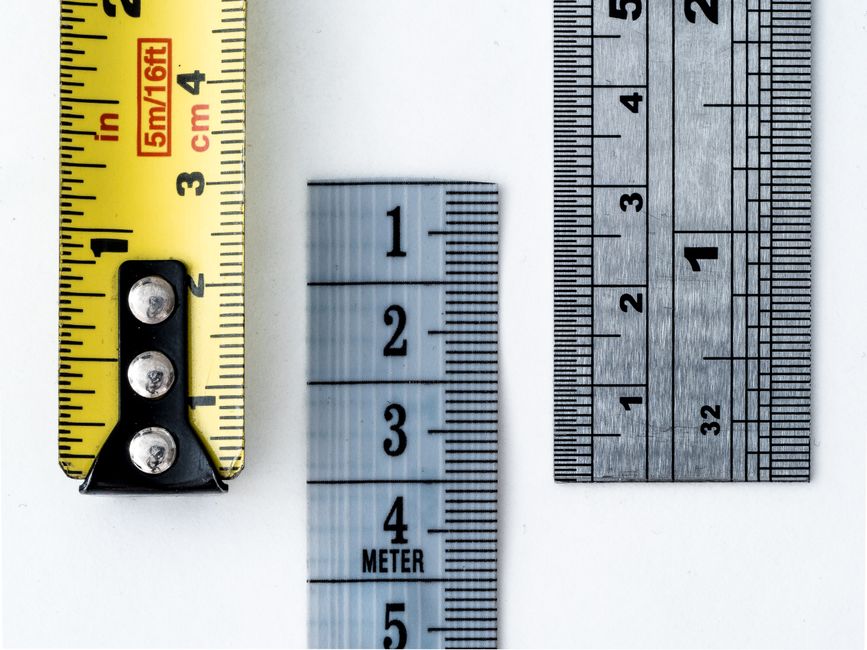
Photo by William Warby on Pexels
Attenuation is typically measured in decibels (dB). A negative dB value indicates a loss. For example, a -3 dB loss means the signal power has been cut in half. The higher the absolute dB loss, the more severe the attenuation.
Mitigating Attenuation
Photo by Ruie Botron on Pexels
You can manage attenuation by:
- Limiting Cable Length: All cable types have maximum recommended lengths.
- Using Higher Quality Cables: Cables with better shielding (for copper) or purer glass (for fiber) attenuate less.
- Using Thicker Gauge Copper Wire: Thicker copper has less resistance.
- Using Signal Amplifiers/Repeaters: These devices boost the signal strength along long cable runs. However, they can also introduce noise.
- Using Switches/Routers: These devices regenerate signals, effectively acting as repeaters.
- Minimizing Connectors/Splices: Each connection adds loss, so keep them to a minimum.
Here's a simple diagram showing the cause and effect of attenuation:
graph TD
    A["Signal Enters Cable"] --> B{"Cable Length & Type"}
    B --> C{"Physical Properties (Resistance, Absorption)"}
    C --> D{"Connectors/Splices"}
    D --> E["Signal Weakens (Attenuation)"]
    E --> F{{"Is Signal Still Strong Enough?"}}
    F -- Yes --> G["Data Received Correctly"]
    F -- No --> H["Data Errors / Packet Loss"]
    H --> I["Network Performance Degradation"]
3. Worked Example
Let's say you're running an Ethernet cable (Cat 5e) for a new workstation. The cable run is 120 meters.
A standard Cat 5e cable has a maximum recommended length of 100 meters. Beyond this, attenuation becomes a significant problem. If you use a 120-meter cable, the signal arriving at the workstation will be too weak. You'd likely experience slow speeds, dropped connections, and frequent retransmissions.
To fix this, you have a few options:
1. Relocate the workstation to be within 100 meters of the switch.
2. Install a network switch or repeater at around the 90-meter mark. This device would receive the weakened signal, regenerate it, and send a strong signal for the remaining 30 meters.
3. Use a different medium, such as fiber optic cable, which can carry signals much further with less attenuation, but this is a more expensive solution.
4. Key Takeaways
- Attenuation is the natural loss of signal strength over distance in network media.
- It's measured in decibels (dB), where a larger negative number indicates more loss.
- Factors like cable length, material quality, and connectors contribute to attenuation.
- Excessive attenuation leads to data errors, retransmissions, and poor network performance.
- You can mitigate attenuation by using appropriate cable lengths, quality cabling, and signal regeneration devices.
- Fiber optic cables generally experience much less attenuation over distance compared to copper.
Common Mistakes to Avoid:
- Ignoring cable length limits: Always respect the maximum recommended lengths for your cable type.
- Using cheap, low-quality cables: Inferior cables have higher attenuation and are more prone to noise.
- Overlooking connector quality: Poorly installed or cheap connectors significantly increase signal loss.
- Assuming all network issues are software related: Often, poor physical layer performance due to attenuation is the root cause.
5. Now Try It
You need to connect two buildings that are 150 meters apart using Ethernet. You've been told to use Cat 6 UTP cable. Research the maximum recommended length for Cat 6 UTP cable for a Gigabit Ethernet connection. Then, describe at least two different practical solutions you could implement to ensure a reliable network link between the two buildings, considering the attenuation limits. What would be the pros and cons of each solution?
Frequently asked about Attenuation and Signal Loss in Network Media
More from ITCTA
Get the full ITCTA curriculum
Clone the complete plan to your dashboard for unlimited AI-generated notes, practice quizzes, and a personalised revision schedule.
Save this course free