Foundational Concepts and Data Representation
From the Chapter 1 to 9 curriculum
TL;DR
Computers work with binary digits (bits), and these foundational concepts explain how information like numbers, text, and images gets converted into this binary format. Understanding different number systems (like binary, decimal, and hexadecimal) is key to seeing how data is stored and manipulated. Data representation standards ensure that information can be accurately interpreted across different systems.
1. The Mental Model
Imagine a light switch that can be either on or off – that's essentially how a computer stores information. Each "on" or "off" is a bit (binary digit), and combining many of these switches allows us to represent everything from simple numbers to complex images.
2. The Core Material
At its heart, a computer understands only two states: 0 (off) and 1 (on). This is called binary. Everything you see and do on a computer, from typing a letter to watching a video, must first be translated into these 0s and 1s.
Number Systems
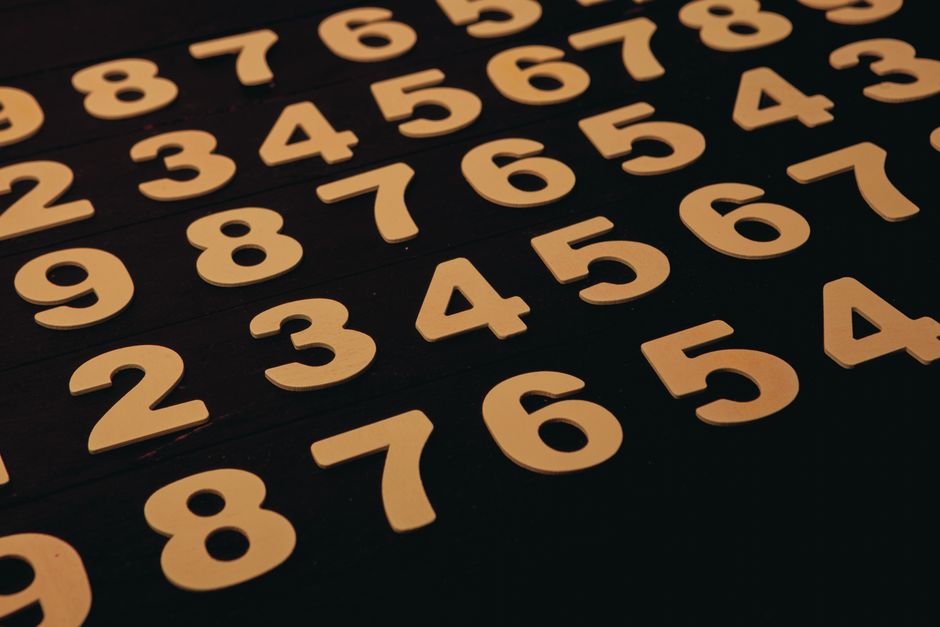
Photo by Roman Friptuleac on Pexels
While we use the decimal (base-10) system daily, computers rely on binary (base-2). Other systems are often used by programmers to simplify representing long binary strings: octal (base-8) and hexadecimal (base-16).
- Decimal (Base-10): Uses digits 0-9. Each position represents a power of 10.
- Example: $123_{10} = (1 \times 10^2) + (2 \times 10^1) + (3 \times 10^0)$
- Binary (Base-2): Uses digits 0 and 1. Each position represents a power of 2.
- Example: $1011_2 = (1 \times 2^3) + (0 \times 2^2) + (1 \times 2^1) + (1 \times 2^0) = 8 + 0 + 2 + 1 = 11_{10}$
- Hexadecimal (Base-16): Uses digits 0-9 and letters A-F (A=10, B=11, ..., F=15). Each position represents a power of 16. It's often used because each hex digit easily converts to exactly four binary digits.
- Example: $AF_{16} = (10 \times 16^1) + (15 \times 16^0) = 160 + 15 = 175_{10}$
Converting between these is a common task. To convert decimal to binary, you repeatedly divide by 2 and record the remainders. To convert binary to hexadecimal, you group binary digits into sets of four, starting from the right.
graph TD
    A["Information (Text, Numbers, Images)"] --> B["Encoding Standard (e.g., ASCII, UTF-8, IEEE 754)"]
    B --> C["Conversion to Binary (0s and 1s)"]
    C --> D["Storage/Processing by Computer Hardware"]
    D --> E["Decoding Standard (e.g., ASCII, UTF-8, IEEE 754)"]
    E --> F["Display/Output (Human-readable)"]
Data Types and Representation

Photo by Syirwan Ainu on Pexels
How a computer represents data depends on its type.
- Numbers:
- Integers: Stored directly in binary. The number of bits determines the range of values (e.g., 8-bit, 16-bit, 32-bit, 64-bit). Positive and negative numbers can be represented using methods like two's complement for negative values, where the most significant bit indicates the sign.
- Floating-Point Numbers (Decimals): Represented using standards like IEEE 754. This involves breaking the number into a sign, an exponent, and a fraction (mantissa), much like scientific notation, but in binary. This allows for a very wide range of values, but with potential precision limitations.
- Text (Characters): Each character (letters, numbers, symbols) is assigned a unique numerical code, which is then stored in binary.
- ASCII (American Standard Code for Information Interchange): An older 7-bit standard for English characters and basic symbols. 'A' is 65, 'B' is 66, etc.
- Unicode/UTF-8: A much broader standard that includes characters from almost all writing systems worldwide. UTF-8 is a variable-length encoding of Unicode characters, making it very flexible and backward-compatible with ASCII.
- Images: Made up of tiny colored dots called pixels. Each pixel's color is represented by a set of numbers (e.g., Red, Green, Blue intensity values, or an index into a color palette). These numbers are then stored in binary.
- Audio/Video: Represented by sampling sound waves or video frames at regular intervals. Each sample's amplitude or color data is converted to a numerical value and then to binary.
Bits, Bytes, and Words

Photo by Markus Spiske on Pexels
- Bit: The smallest unit of data,
0or1. - Byte: A group of 8 bits. This is the fundamental unit for addressing memory.
- Word: The natural unit of data used by a particular processor design (e.g., 32-bit words, 64-bit words). A word usually corresponds to the size of data that a CPU can process efficiently in one go.
Understanding these concepts is crucial for knowing how much storage is needed, why certain calculations have precision limits, and why different file formats exist.
3. Worked Example
Let's represent the decimal number 19 as an 8-bit binary number and then convert it to hexadecimal.
Step 1: Decimal to Binary (19 to 8-bit binary)
We use repeated division by 2, recording the remainders from bottom up:
19 / 2 = 9 remainder 1
9 / 2 = 4 remainder 1
4 / 2 = 2 remainder 0
2 / 2 = 1 remainder 0
1 / 2 = 0 remainder 1
Reading the remainders from bottom to top, we get 10011.
To make it an 8-bit number, we pad with leading zeros: 00010011.
Step 2: Binary to Hexadecimal (00010011 to Hex)
Group the 8-bit binary number into sets of four bits:
0001 0011
Now convert each 4-bit group to its hexadecimal equivalent:
0001= $ (0 \times 2^3) + (0 \times 2^2) + (0 \times 2^1) + (1 \times 2^0) = 1_{10} = 1_{16} $0011= $ (0 \times 2^3) + (0 \times 2^2) + (1 \times 2^1) + (1 \times 2^0) = 3_{10} = 3_{16} $
So, 00010011_2 is 13_16.
The decimal number 19 is 00010011 in 8-bit binary and 13 in hexadecimal.
4. Key Takeaways
- Computers fundamentally operate using binary (0s and 1s) because it's easy to represent physically (e.g., on/off switches).
- Different number systems like decimal, binary, and hexadecimal are used to represent values, each with its own base.
- Data like numbers, text, images, and sound are all converted into binary using specific encoding standards.
- A byte (8 bits) is the basic unit of computer memory, while a word is the unit a CPU processes efficiently.
- Standards like ASCII, UTF-8, and IEEE 754 ensure consistent data representation and interpretation across systems.
- Integer and floating-point numbers are represented differently, impacting their range and precision.
Common Mistakes to Avoid:
- Mixing up number bases (e.g., treating a binary number as decimal without conversion).
- Forgetting to pad binary numbers with leading zeros when a specific bit-length is required (e.g., 8-bit).
- Confusing the purpose of ASCII (limited character set) with Unicode/UTF-8 (global character set).
- Assuming that floating-point numbers have infinite precision; they have limits due to their binary representation.
5. Now Try It
Convert your birth year (e.g., 1998) into its 16-bit binary representation. Then, take the first two hexadecimal digits of that 16-bit binary number and convert them back to decimal. What success looks like: You'll have a 16-digit binary number and a single decimal number as your answer.
Frequently asked about Foundational Concepts and Data Representation
Study this next
Get the full Chapter 1 to 9 curriculum
Clone the complete plan to your dashboard for unlimited AI-generated notes, practice quizzes, and a personalised revision schedule.
Save this course free