Fundamentals of Software
From the software curriculum
Fundamentals of Software
TL;DR
Software is a set of instructions that tells computer hardware what to do. It exists in different forms, from the operating system that runs your computer to the apps you use every day. Understanding its basic components and how it interacts with hardware is crucial for anyone in tech.
1. The Mental Model
Think of software as the "brain" of a computer, giving it instructions and purpose. Without software, a computer is just a collection of inert parts. It's what makes the hardware useful and responsive.
2. The Core Material
Software is essentially a collection of programs, procedures, and routines associated with the operation of a computer system. It's intangible, meaning you can't physically touch it, but it controls everything you see and do on a device.
How Software Works
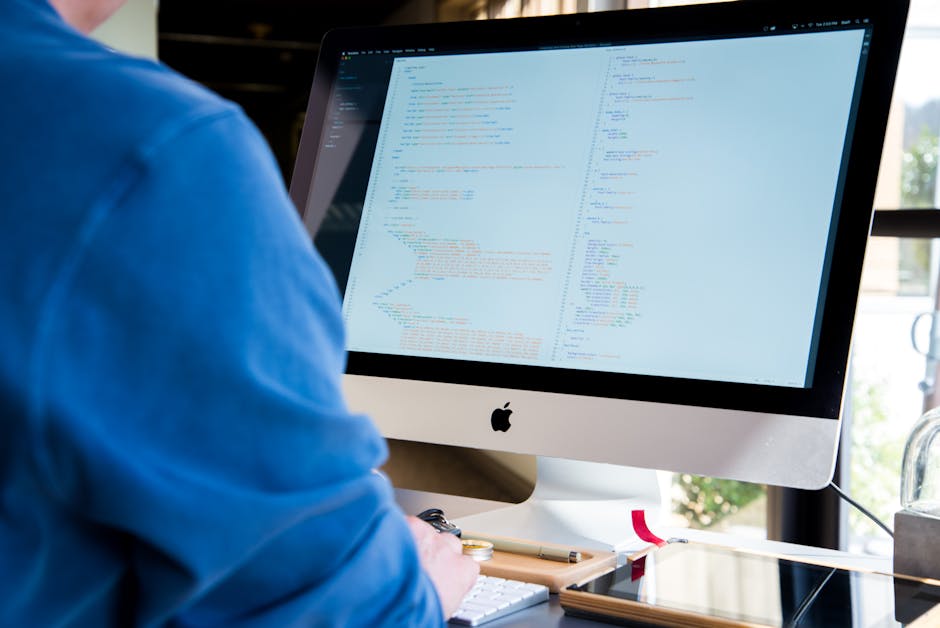
Photo by Lee Campbell on Pexels
At its most basic, software is written in a programming language (like Python or JavaScript), then translated into machine code that the computer's Central Processing Unit (CPU) can understand and execute. This process is complex, but for you, it's enough to know there's a translation step involved.
Types of Software
Photo by Lee Campbell on Pexels
You'll typically encounter two main categories:
- System Software: This is the foundational software that manages and controls the computer hardware and other software programs.
- Operating Systems (OS): The most critical system software. It manages your computer's memory, processes, and all of its hardware and software. Examples include Windows, macOS, Linux, Android, and iOS.
- Device Drivers: These allow your OS to communicate with specific hardware components like printers, graphics cards, or webcams.
- Utilities: Tools that help manage and maintain the computer, like antivirus software, disk cleaners, or backup tools.
- Application Software: These are programs designed for specific tasks that directly benefit the user.
- Productivity Suites: Word processors (Microsoft Word), spreadsheets (Excel), presentation software (PowerPoint).
- Web Browsers: Chrome, Firefox, Safari.
- Media Players: VLC, Spotify.
- Games: All the games you play.
- Custom Applications: Software built for specific business needs, like inventory management or customer relationship management (CRM) systems.
Hardware-Software Interaction

Photo by iMin Technology on Pexels
Hardware and software depend on each other. Hardware provides the physical foundation, and software brings it to life. The operating system acts as an interpreter, translating your software commands into actions the hardware can perform and vice versa.
graph TD
    User["User Interaction"] --> ApplicationSoftware["Application Software (e.g., Word Processor)"]
    ApplicationSoftware -->|Requests Services| OperatingSystem["Operating System (e.g., Windows)"]
    OperatingSystem -->|Manages Resources| Hardware["Hardware (e.g., CPU, Memory, Disk)"]
    Hardware -->|Executes Instructions| OperatingSystem
    OperatingSystem -->|Provides Output| ApplicationSoftware
    ApplicationSoftware --> User
3. Worked Example
Let's trace what happens when you open a web browser and type in a website address.
- You click the browser icon: This sends a signal to the Operating System (OS).
- OS loads the browser: The OS locates the web browser's program files on your hard drive, loads them into RAM (memory), and starts executing its instructions using the CPU.
- You type a URL: The browser software receives your input and prepares a request to fetch the website.
- Browser uses OS services: The browser doesn't directly talk to the network card. Instead, it asks the OS to send the request out to the internet.
- OS interacts with hardware: The OS uses the network card's device driver to translate the request into signals the network hardware can understand and transmit.
- Website loads: Once the website data returns, the OS directs it back to the browser software, which then renders the page on your screen using instructions it gives to the graphics hardware, again via the OS.
Every step involves tightly coordinated teamwork between different software layers and hardware components.
4. Key Takeaways
- Software is a set of instructions that makes hardware functional and useful.
- There are two main categories: system software (like your OS) and application software (like your apps).
- The operating system is crucial; it manages hardware and provides services for application software.
- Hardware and software are interdependent; one cannot function meaningfully without the other.
- All software ultimately translates into machine-readable code for the CPU to execute.
Common Mistakes to Avoid:
- Don't confuse hardware for software; one is physical, the other is code.
- Don't think of software as a single, monolithic thing; it's layered and interconnected.
- Assuming an application directly controls hardware; it usually goes through the OS.
- Underestimating the role of the operating system in managing everything.
5. Now Try It
Spend 15 minutes listing every piece of software you use in a typical day, from when you wake up until you go to bed. For each item, identify whether it's primarily System Software (and what kind, e.g., OS, driver, utility) or Application Software (and what kind, e.g., productivity, communication, entertainment).
What success looks like: You'll have a clear, categorized list that demonstrates your understanding of the different types and roles of software in your daily life.
Frequently asked about Fundamentals of Software
Study this next
Get the full software curriculum
Clone the complete plan to your dashboard for unlimited AI-generated notes, practice quizzes, and a personalised revision schedule.
Create Free Account