OSI and TCP/IP Models
From the Networking 141 curriculum
TL;DR
Networking models like OSI and TCP/IP help us understand how data travels across networks by breaking complex processes into simpler, manageable layers. Each layer has specific responsibilities, making network design, troubleshooting, and protocol development much easier. While they differ in structure, both models achieve the same goal: enabling communication.
1. The Mental Model
Imagine sending a letter. You write it, put it in an envelope, address it, and drop it off. The post office sorts it, transports it, and delivers it. This journey involves many steps, each handled by different people or systems. Network models are like this, but for data: they divide the complex process of sending and receiving data into distinct, sequential steps or "layers."
2. The Core Material
Understanding how data moves from one device to another can be overwhelming. That's where network models come in handy. They provide a common framework for how network protocols should interact, simplifying development and troubleshooting.
The OSI Model

Photo by Alex Aparicio on Pexels
The Open Systems Interconnection (OSI) model is a conceptual framework that standardizes the functions of a telecommunication or computing system into seven distinct layers. It's more theoretical but gives a great detailed view of what happens at each stage.
Here are the 7 layers, from top (closest to the user) to bottom (closest to the physical medium):
- Application Layer (Layer 7): This is where network applications (like web browsers, email clients) interact with the network. Protocols include HTTP, SMTP, FTP.
- Presentation Layer (Layer 6): Handles data formatting, encryption, and compression to ensure data is readable by the receiving application. For example, converting ASCII to EBCDIC.
- Session Layer (Layer 5): Establishes, manages, and terminates communication sessions between applications. Think of it like a polite conversation, ensuring who speaks when.
- Transport Layer (Layer 4): Provides reliable (or unreliable) data transfer between end systems. It handles segmenting data, flow control, and error checking. TCP and UDP live here.
- Network Layer (Layer 3): Deals with logical addressing (IP addresses) and routing data packets across different networks. Routers operate at this layer.
- Data Link Layer (Layer 2): Handles physical addressing (MAC addresses), error detection, and framing. Switches operate here. It ensures data gets from one device to the next on the same network segment.
- Physical Layer (Layer 1): Defines the physical characteristics of the network, like cables, connectors, voltage levels, and transmission rates. This is the actual wire or wireless signal.
graph TD
    A["Application Layer (7)"] --> B["Presentation Layer (6)"]
    B --> C["Session Layer (5)"]
    C --> D["Transport Layer (4)"]
    D --> E["Network Layer (3)"]
    E --> F["Data Link Layer (2)"]
    F --> G["Physical Layer (1)"]
The TCP/IP Model
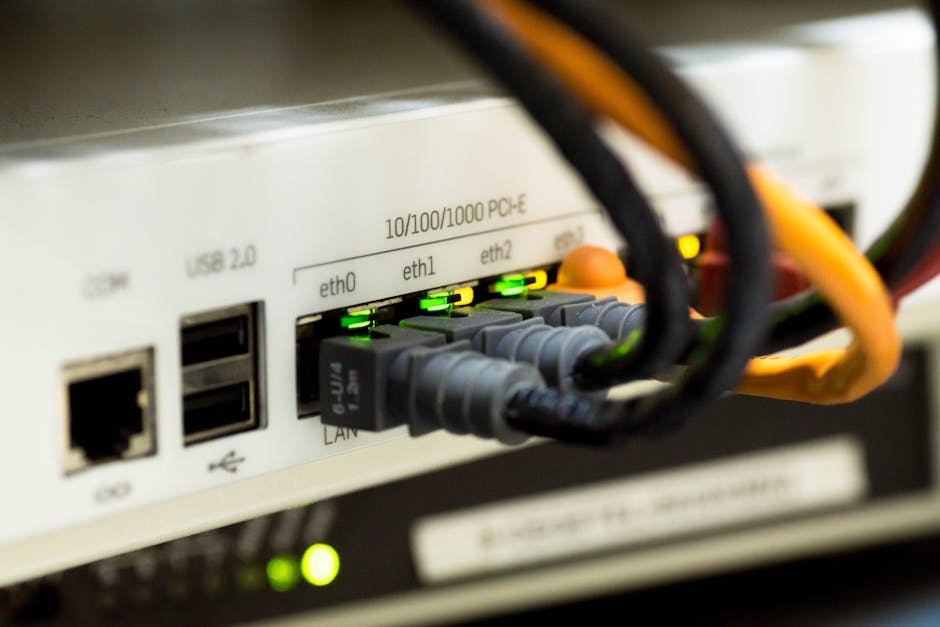
Photo by Pixabay on Pexels
The Transmission Control Protocol/Internet Protocol (TCP/IP) model is a more practical, four-layer model that describes how data is exchanged over the internet. It was developed before the OSI model and is the foundation of the internet as we know it today.
Here are its 4 layers:
- Application Layer: Combines OSI's Application, Presentation, and Session layers. This is where high-level protocols like HTTP, DNS, FTP, SMTP operate.
- Transport Layer: Similar to OSI's Transport layer, handling end-to-end communication, segmenting, and error control. TCP and UDP are key protocols here.
- Internet Layer (Network Layer): Similar to OSI's Network layer, dealing with logical addressing (IP) and routing packets across networks. IP is the primary protocol.
- Network Access Layer (Data Link + Physical Layers): Combines OSI's Data Link and Physical layers. It handles the physical transmission of data on the network medium, including hardware addressing (MAC) and cable specifications. Ethernet and Wi-Fi standards operate here.
Key Differences and Similarities

Photo by Gratisography on Pexels
- Layers: OSI has 7 layers; TCP/IP has 4.
- Focus: OSI is more theoretical and protocol-independent; TCP/IP is practical and protocol-dependent (it is the protocols).
- Development: OSI was developed by ISO as a standard; TCP/IP was developed by the US Department of Defense for ARPANET.
- Encapsulation/Decapsulation: Both models use encapsulation (adding headers as data moves down the layers) and decapsulation (removing headers as data moves up).
3. Worked Example
Let's trace how you might request a webpage (like google.com) using the TCP/IP model.
- Application Layer: You type
google.cominto your browser (an application). Your browser uses HTTP (Hypertext Transfer Protocol) to request the page. It also uses DNS (Domain Name System) to translategoogle.cominto an IP address (e.g.,142.250.191.14). - Transport Layer: The HTTP request (now identified by the destination IP
142.250.191.14and port80for HTTP) is handed down. TCP (Transmission Control Protocol) adds a TCP header, which includes source and destination port numbers (e.g., your browser uses a random high-numbered port, Google's web server uses port 80). TCP then segments the data into smaller pieces, adding sequence numbers for reliable delivery. This segmented data is called a "segment." - Internet Layer: Each TCP segment is passed to the Internet layer. The Internet Protocol (IP) adds an IP header, which includes the source IP address (your computer's IP) and the destination IP address (
142.250.191.14). This creates an "IP packet." IP determines the best path (route) for this packet to reach Google's server. - Network Access Layer: The IP packet is then passed to this layer. It adds a frame header and trailer, which include the source and destination MAC addresses. The destination MAC address will be that of your router's interface. This entire unit is called a "frame." This frame is then converted into electrical signals (if using Ethernet cable) or radio waves (if using Wi-Fi) and sent across the physical network medium towards your router.
Your router receives the frame, removes the frame header/trailer (Network Access layer), reads the IP header to determine the next hop (Internet layer), adds a new frame header/trailer for the next segment of the journey, and forwards it. This process repeats until the packet reaches Google's server, where the reverse (decapsulation) happens layer by layer, and the web server can finally respond to your HTTP request.
4. Key Takeaways
- Network models help simplify complex networking processes by breaking them into logical layers.
- The OSI model is a 7-layer theoretical framework, providing a detailed understanding of network functions.
- The TCP/IP model is a 4-layer practical model that forms the backbone of the internet.
- Each layer in both models has specific responsibilities and protocols.
- Data moves down the layers on the sender's side (encapsulation) and up the layers on the receiver's side (decapsulation).
- Understanding these models is crucial for troubleshooting network issues and designing network solutions.
Common Mistakes to Avoid

Photo by KATRIN BOLOVTSOVA on Pexels
- Confusing Layer Numbers: Don't mix up OSI and TCP/IP layer numbers. For example, TCP/IP's Application layer is not the same as OSI's Application layer (it encompasses more).
- Thinking Layers Act Independently: While distinct, layers rely heavily on the services of the layer below them.
- Over-Complicating OSI: Remember OSI is largely conceptual; TCP/IP is what's actually implemented on the internet.
- Forgetting Encapsulation/Decapsulation: Data gets headers added as it goes down and removed as it goes up.
5. Now Try It
Think about sending an instant message to a friend. Sketch out (or just list) which layers of the TCP/IP model would be involved, what general actions each layer would perform on your end, and what information (like IP addresses, port numbers, or MAC addresses) would be relevant at each step. What would success look like? You'd see your message appear on your friend's screen!
Frequently asked about OSI and TCP/IP Models
Study this next
Get the full Networking 141 curriculum
Clone the complete plan to your dashboard for unlimited AI-generated notes, practice quizzes, and a personalised revision schedule.
Save this course free