Introduction to Networking Fundamentals
From the Networking 141 curriculum
TL;DR
Networking is how devices communicate by sending and receiving data packets across various connections. It enables shared resources and access to information, forming the backbone of modern digital life. Understanding its basics helps you troubleshoot issues and design efficient systems.
1. The Mental Model
Think of networking like a postal service for computers. Each device has an address, data is broken into "letters" (packets), and then sent through various routes to its destination, allowing computers to talk to each other.
2. The Core Material
Networking is essentially the practice of connecting two or more computing devices together to share data or resources. This connection can be physical (like cables) or wireless (like Wi-Fi).
What is a Network?

Photo by Brett Sayles on Pexels
At its simplest, a network is a collection of interconnected devices. These devices could be computers, servers, printers, smartphones, or even smart home devices. The goal is to allow them to exchange information.
Key Components of a Network:
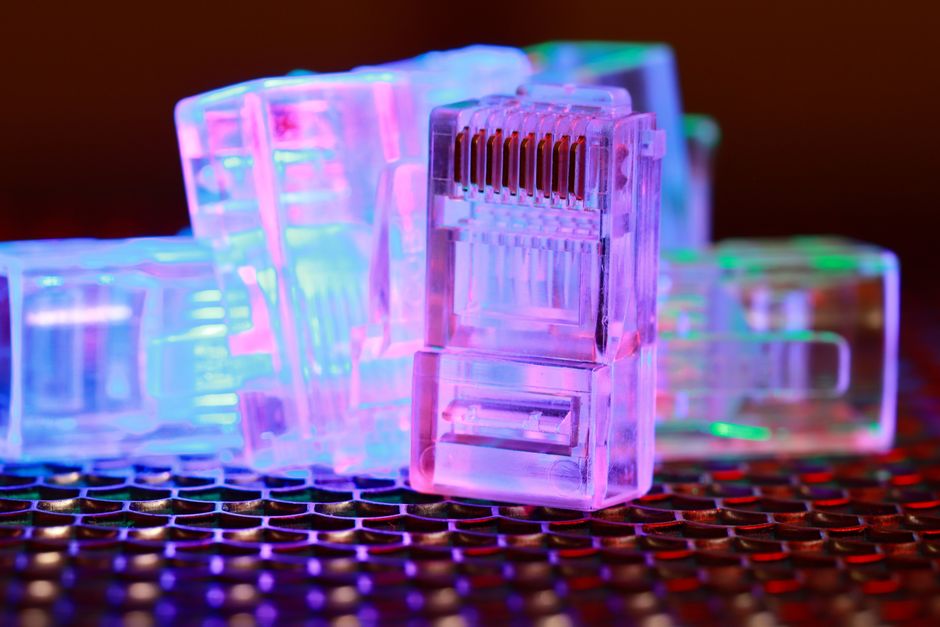
Photo by Nic Wood on Pexels
- Nodes/Hosts: These are the devices connected to the network (e.g., your laptop, a web server).
- Links: The communication channels that connect nodes. These can be:
- Wired: Ethernet cables, fiber optic cables.
- Wireless: Wi-Fi, Bluetooth, cellular.
- Network Devices: Equipment that helps manage and direct traffic:
- Routers: Direct data between different networks (e.g., between your home network and the internet).
- Switches: Connect devices within the same network, forwarding data only to the intended recipient.
- Modems: Convert signals from your ISP (Internet Service Provider) into a format your router can use.
- Protocols: Sets of rules that devices follow to communicate. Think of them as a shared language. Examples include TCP/IP, HTTP, FTP.
How Data Travels: Packets

Photo by panumas nikhomkhai on Pexels
When you send data (like loading a webpage or sending an email), it's not sent as one big block. Instead, it's broken down into smaller pieces called packets. Each packet contains a piece of the original data, along with header information like the source and destination addresses. These packets travel independently and are reassembled at the destination.
Network Topologies
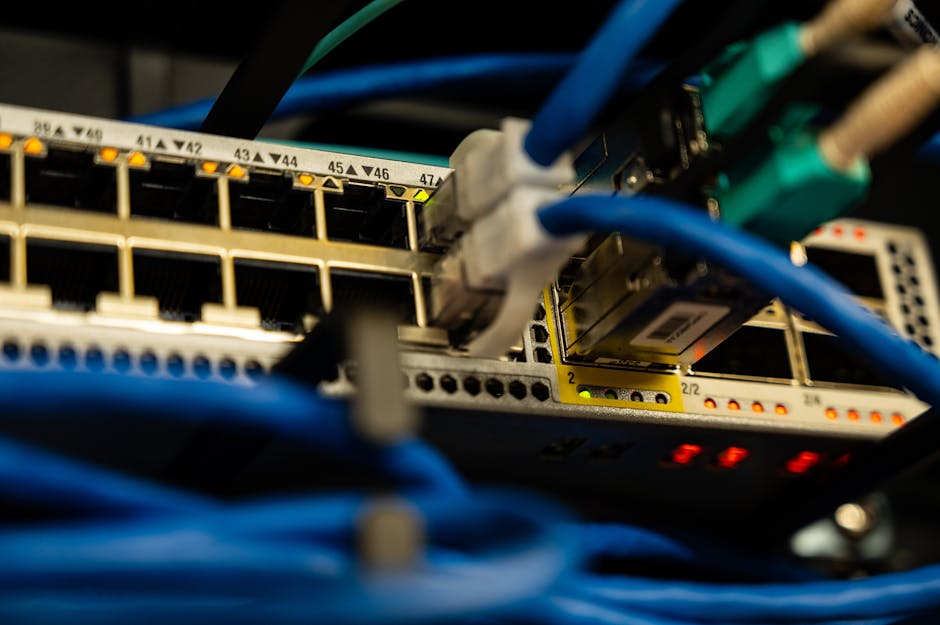
Photo by Brett Sayles on Pexels
This describes the physical or logical arrangement of how devices are connected.
* Bus: All devices share a single cable. (Less common now)
* Star: All devices connect to a central hub/switch. (Most common in homes/offices)
* Ring: Devices connect in a circular fashion.
* Mesh: Every device is connected to every other device (or at least multiple devices).
Here's a look at the journey of a data packet:
graph TD
    A["Your Device (Source)"] --> B{"Application Layer (e.g., Browser)"}
    B --> C{"Transport Layer (TCP/UDP)"}
    C --> D{"Network Layer (IP)"}
    D --> E{"Data Link Layer (Ethernet/Wi-Fi)"}
    E --> F["Physical Layer (Cables/Wireless)"]
    F --> G["Network Link (Internet/LAN)"]
    G --> H["Router/Switch"]
    H --> G
    G --> I["Physical Layer (Cables/Wireless)"]
    I --> J{"Data Link Layer"}
    J --> K{"Network Layer"}
    K --> L{"Transport Layer"}
    L --> M{"Application Layer"}
    M --> N["Destination Device (Server)"]
Types of Networks:
- LAN (Local Area Network): Connects devices in a small, localized area, like a home, office, or school.
- WAN (Wide Area Network): Connects devices over a large geographical area, often using public telecommunication lines. The Internet is the most famous example of a WAN.
- MAN (Metropolitan Area Network): Covers an area larger than a LAN but smaller than a WAN, like a city.
- PAN (Personal Area Network): Connects devices within an individual's personal workspace, usually wirelessly (e.g., Bluetooth headphones).
3. Worked Example
Let's trace what happens when you type "google.com" into your web browser.
- You type "google.com": Your browser (an application) asks your operating system to find the IP address for "google.com" using a DNS (Domain Name System) request.
- DNS Resolution: Your device sends a DNS query packet to a DNS server (often provided by your ISP). This packet travels through your router.
- DNS Response: The DNS server responds with Google's IP address (e.g.,
142.250.187.110). This response comes back as packets. - HTTP Request: Your browser now knows the IP address and constructs an HTTP (Hypertext Transfer Protocol) GET request packet, asking for Google's homepage. This packet includes your device's IP address (source) and Google's IP address (destination).
- Packet Journey: This HTTP request packet is encapsulated with TCP and IP headers, then sent out via your Wi-Fi or Ethernet card.
- It hits your router, which uses its routing table to forward the packet towards the internet.
- The packet travels across the internet (a WAN), hopping between many routers.
- Eventually, it reaches Google's web server.
- HTTP Response: Google's server processes the request and sends back the webpage data (HTML, CSS, images) as many HTTP response packets.
- Reassembly & Display: These response packets travel back to your device, are reassembled by your operating system, and your browser renders the Google homepage.
This entire process, involving multiple protocols (DNS, HTTP, TCP, IP) and network devices (your device, router, DNS server, web server), happens in milliseconds!
4. Key Takeaways
- Networks allow devices to communicate and share resources, forming the foundation of modern computing.
- Data is broken into small pieces called packets for efficient transmission across the network.
- Routers direct traffic between different networks, while switches manage traffic within a single network.
- Protocols are essential rules that ensure devices can understand each other's communication.
- Networks come in different scales, from small LANs to global WANs like the Internet.
- Understanding the basic flow of data helps you grasp how applications and services work online.
Common Mistakes to Avoid:
- Confusing a router and a modem: A modem connects you to your ISP; a router creates your local network and manages devices within it.
- Thinking data travels in one piece: Always remember data is packetized for transmission.
- Ignoring protocols: Without protocols, devices wouldn't know how to interpret the electrical signals or radio waves they receive.
- Believing the internet is a single entity: It's a vast network of interconnected smaller networks.
5. Now Try It
Open your computer's command prompt (Windows: cmd, macOS/Linux: Terminal). Type ipconfig (Windows) or ifconfig (macOS/Linux). Look for your device's IP Address and Default Gateway. Your IP address is how your device is identified on your local network, and the Default Gateway is usually the IP address of your router – the "doorway" to the internet. Think about how these addresses fit into the packet journey we discussed.
Frequently asked about Introduction to Networking Fundamentals
More from Networking 141
Get the full Networking 141 curriculum
Clone the complete plan to your dashboard for unlimited AI-generated notes, practice quizzes, and a personalised revision schedule.
Save this course free