intermediate

junior assistant

Comprehensive AI-generated study curriculum with 1 detailed note module.

0 students cloned 1 views 1 notes

Course Syllabus

  1. Foundational Office Skills and Computer Basics
  2. Microsoft Office Suite Proficiency - Word and Excel
  3. Microsoft Office Suite Proficiency - PowerPoint and Outlook
  4. Office Administration and Organizational Practices
  5. Professional Development and Problem Solving
Study Notes

Foundational Office Skills and Computer Basics

Foundational Office Skills and Computer Basics

TL;DR

You'll learn the essential office skills and computer basics needed for most administrative roles, focusing on organization, clear communication, and efficient software use. Mastering these helps you manage tasks, interact professionally, and quickly find information. This groundwork sets you up for success and smooth operations in any office environment.

1. The Mental Model

Think of your office skills as tools in a well-stocked toolbox. Each tool—organization, communication, or a specific software—helps you tackle different parts of your job. Knowing which tool to use and how to use it effectively makes you efficient and reliable.

2. The Core Material

As a junior assistant, you'll be the backbone of efficient office operations. This means understanding how to manage information, communicate effectively, and leverage basic technology.

2.1. Office Organization & Information Management

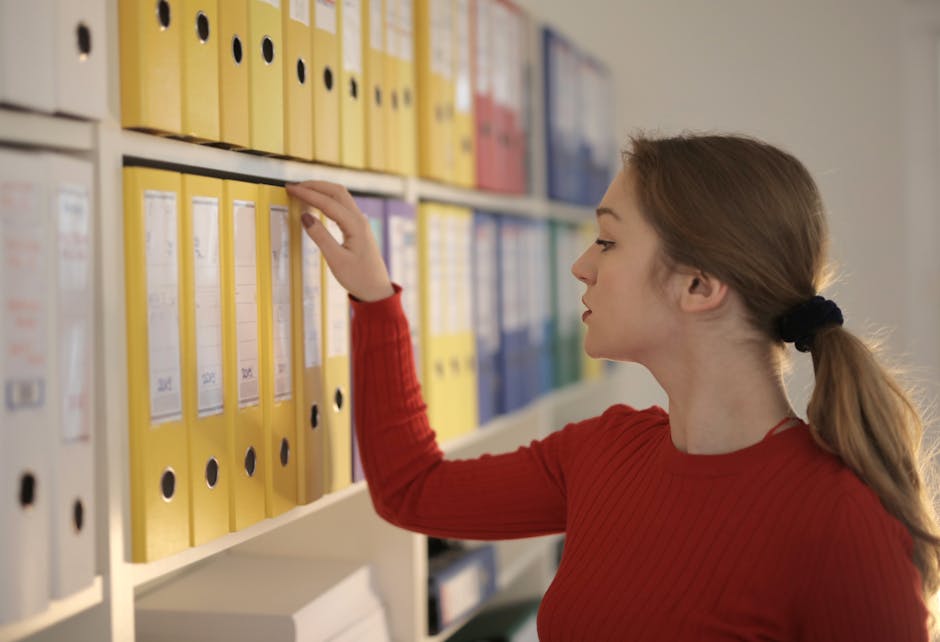
Side view of contemplating female assistant in casual style standing near shelves and choosing file with documents
Photo by Andrea Piacquadio on Pexels

Keeping things tidy and accessible isn't just about appearances; it's about efficiency.

  • Physical Organization: This includes a clean desk, filing important physical documents logically, and knowing where supplies are.
  • Digital Organization: This is crucial. You'll need to create and maintain clear folder structures, name files consistently, and use digital tools for task tracking.

    • Folder Structure: Think broad categories first, then specifics. E.g., Projects -> Project X -> Reports / Correspondence.
    • File Naming: Consistent naming makes files easy to find. Start with a date for chronological files (e.g., YYYY-MM-DD_ReportName.pdf) or a clear project identifier.

2.2. Effective Communication

Professional woman providing customer support with a headset in an office setting.
Photo by Mikhail Nilov on <a href="https://www.pexels.com/photo/shallow-f

Read full note →