Introduction to Computer Security Threats
From the IT EXAM curriculum
TL;DR
Computer security threats are actions or events that can harm your computer systems, data, or network. They come in many forms, like malware, phishing, and denial-of-service attacks, aiming to steal information, disrupt services, or gain unauthorized access. Understanding these threats helps you protect yourself and your systems more effectively.
1. The Mental Model
Think of your computer system as a house. Security threats are like burglars, vandals, or even natural disasters trying to get in, cause damage, or steal your valuables. Your job is to understand how they operate so you can better lock your doors, set up alarms, and prepare for emergencies.
2. The Core Material
Computer security threats are anything that could potentially exploit a vulnerability in your system, network, or data. These threats can be intentional (like a hacker trying to steal your data) or accidental (like an employee accidentally clicking a malicious link).
Let's break down some of the most common types of threats you'll encounter:
Malware
Malware is a catch-all term for "malicious software" designed to damage, disrupt, or gain unauthorized access to a computer system.
- Viruses: These attach themselves to legitimate programs and spread when those programs are executed. They often modify or delete files.
- Worms: Unlike viruses, worms are standalone programs that replicate themselves across networks without needing a host program. They often consume bandwidth or crash systems.
- Trojans (Trojan Horses): These programs appear legitimate but contain malicious code. They don't self-replicate but rely on users to install them, often creating backdoors for attackers.
- Ransomware: This type of malware encrypts your files or locks your system and demands a ransom (usually cryptocurrency) for their release.
- Spyware: Secretly monitors your activity and collects sensitive information (like passwords or browsing history) without your consent.
- Adware: Automatically displays unwanted advertisements, often bundled with free software.
Phishing and Social Engineering

Photo by Ann H on Pexels
Social engineering is a broad term for manipulating people into performing actions or divulging confidential information. Phishing is a common form of social engineering.
- Phishing: Attackers send fraudulent emails, texts, or messages pretending to be from reputable sources (banks, popular websites, IT support) to trick you into revealing sensitive information (passwords, credit card numbers) or clicking malicious links.
- Spear Phishing: A more targeted phishing attack aimed at a specific individual or organization, often using personalized information to seem more convincing.
- Whaling: A highly targeted phishing attack aimed at high-profile individuals like CEOs or executives.
- Pretexting: Attackers create a false scenario or "pretext" to gain information. For example, pretending to be a surveyor to ask security questions.
Denial-of-Service (DoS) and Distributed Denial-of-Service (DDoS)

Photo by Aritz Jauregui on Pexels
These attacks aim to make a service or resource unavailable to its legitimate users by overwhelming it with traffic.
- DoS: A single source (attacker's computer) floods a target server with traffic.
- DDoS: Multiple compromised systems (often a "botnet" of infected computers) are used to flood a target. This makes it harder to block, as the traffic comes from many different sources.
Unauthorized Access
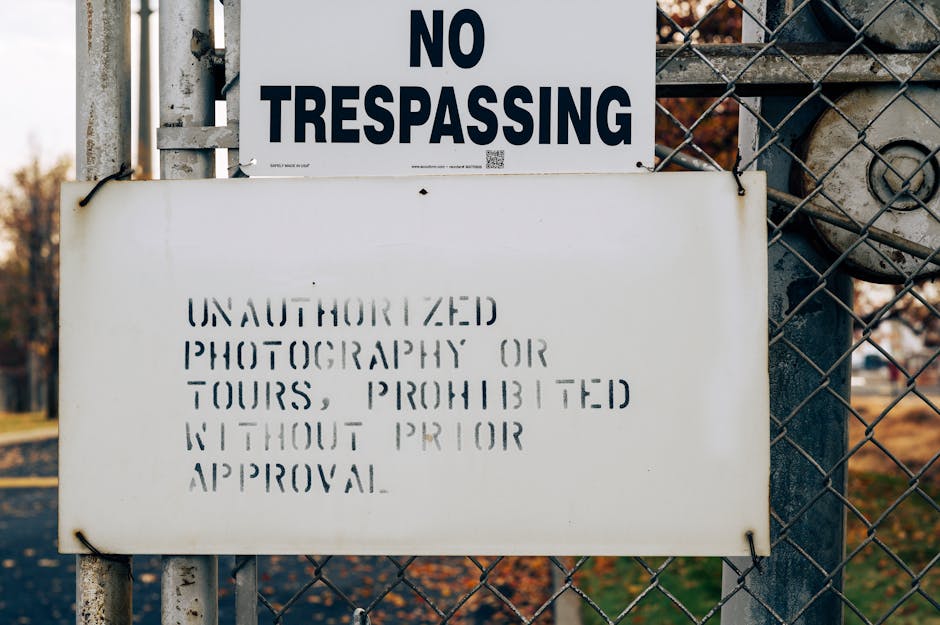
Photo by Brett Sayles on Pexels
This involves gaining entry to a system or network without permission.
- Brute-Force Attacks: Attackers try many password combinations until they guess the correct one.
- Dictionary Attacks: A type of brute-force attack that tries common words, phrases, and password lists.
- Privilege Escalation: An attacker who has limited access tries to gain higher-level permissions within a system (e.g., from a regular user to an administrator).
Man-in-the-Middle (MitM) Attacks

Photo by Matias Mango on Pexels
An attacker intercepts communication between two parties who believe they are communicating directly with each other. This allows the attacker to read, insert, or modify messages.
Insider Threats
These come from within an organization – current or former employees, contractors, or business partners who have authorized access to systems and information. They can be malicious or accidental.
Here's a diagram illustrating the general flow of some common attack types:
graph TD
    A["Attacker"] --> B{"Social Engineering / Exploit Vulnerability"};
    B -- Phishing/Malware --> C["User/System Compromised"];
    C -- Data Theft --> D["Loss of Confidentiality"];
    C -- System Damage --> E["Loss of Integrity/Availability"];
    F["Botnet"] --> G["DDoS Attack"];
    G --> H["Service Unavailable"];
    I["Insider (Malicious/Accidental)"] --> J["Unauthorized Access / Data Leak"];
    J --> D;
    J --> E;
3. Worked Example
Imagine you receive an email that looks like it's from your bank. The subject line says, "Urgent: Your Account Has Been Locked!" The email asks you to click a link to verify your details immediately to unlock your account.
You click the link, which takes you to a website that looks exactly like your bank's login page. You enter your username and password.
What happened? This is a phishing attack. The attacker created a fake email and website to trick you into giving away your login credentials. Once you entered them on the fake site, the attacker now has your actual bank login details and can access your account, leading to potential financial loss. The "urgent" tone is a common social engineering tactic to create panic and bypass critical thinking.
4. Key Takeaways
- Threats aim to compromise confidentiality (data secrecy), integrity (data accuracy), or availability (system access).
- Malware like viruses, worms, and Trojans are malicious software designed to harm or steal.
- Phishing is a social engineering tactic using fake communications to trick you into revealing sensitive info.
- DoS/DDoS attacks prevent legitimate users from accessing services by overwhelming them.
- Unauthorized access involves gaining entry to systems without permission, often through brute-force or stolen credentials.
- Insider threats, whether malicious or accidental, are a significant risk due to existing access.
Common mistakes to avoid:
- Clicking links or opening attachments from unknown or suspicious emails.
- Reusing the same password across multiple accounts.
- Not updating your software regularly, leaving known vulnerabilities unpatched.
- Ignoring warnings from your browser or operating system about security risks.
5. Now Try It
Spend 15 minutes reviewing your personal email inbox. Identify at least two emails that could be phishing attempts, even if they aren't. What elements (sender address, subject line, grammar, urgent tone, strange links) would make you suspicious? For each suspicious email, explain why you'd be cautious. Success looks like being able to articulate specific reasons why an email might be a security threat, rather than just a legitimate message.
Frequently asked about Introduction to Computer Security Threats
More from IT EXAM
Get the full IT EXAM curriculum
Clone the complete plan to your dashboard for unlimited AI-generated notes, practice quizzes, and a personalised revision schedule.
Save this course free